Light Indicators and How to Pair a Firecom Wireless Headset

Firecom Wireless Headset LED Indicator and Audio Beep MeaningsFirecom Wireless Indicator Lights
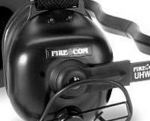
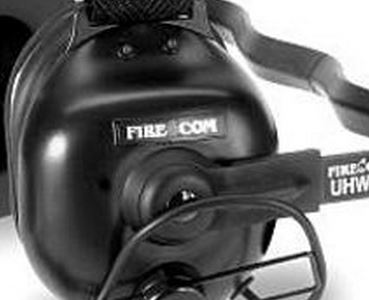
Firecom wireless headsets have one green and and one red LED indicator light on the top left ear dome (microphone side). The lights and audio beeps provide the user a quick indication if the headset is connected and the battery is charged.

Indicator Lights When Connected to Charger Cable

When the charger is plugged into the powered OFF headset it will show RED when charging and GREEN when fully charged. Charging takes 2 hours and will provide about 10 hours of normal operation.

When powered ON and charging, the light meanings are:

  • GREEN ON, RED ON: Charging, headset linked to base
  • GREEN ON, RED OFF: Charge complete, headset linked to base
  • GREEN Flashing, RED ON: Charging, headset not linked
  • GREEN Flashing, Red OFF: Charge complete, headset not linked

Indicator Lights When Charging Cable is Unplugged

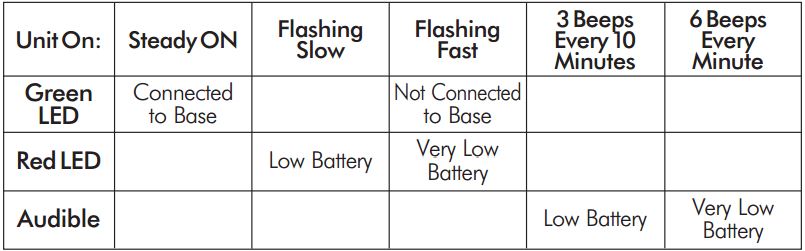
Below is a chart that shows what the light and beeps mean when the headset is powered ON and the charger disconnected:
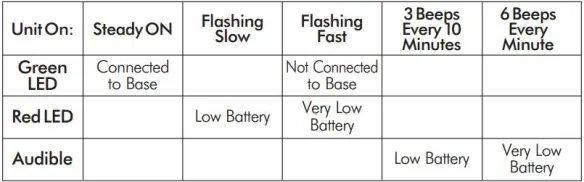
Wireless Headset Indicator Light  ChartFirecom Wireless Headset Pairing Procedure & Video
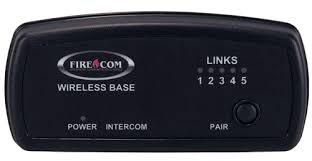
Firecom Wireless BasePress and hold the pairing button on the base for approximately 6 seconds until the yellow LED(s) on the base station start flashing, indicating pairing mode. When placed in pairing mode, you have about 15 seconds to place the headset in pairing mode.
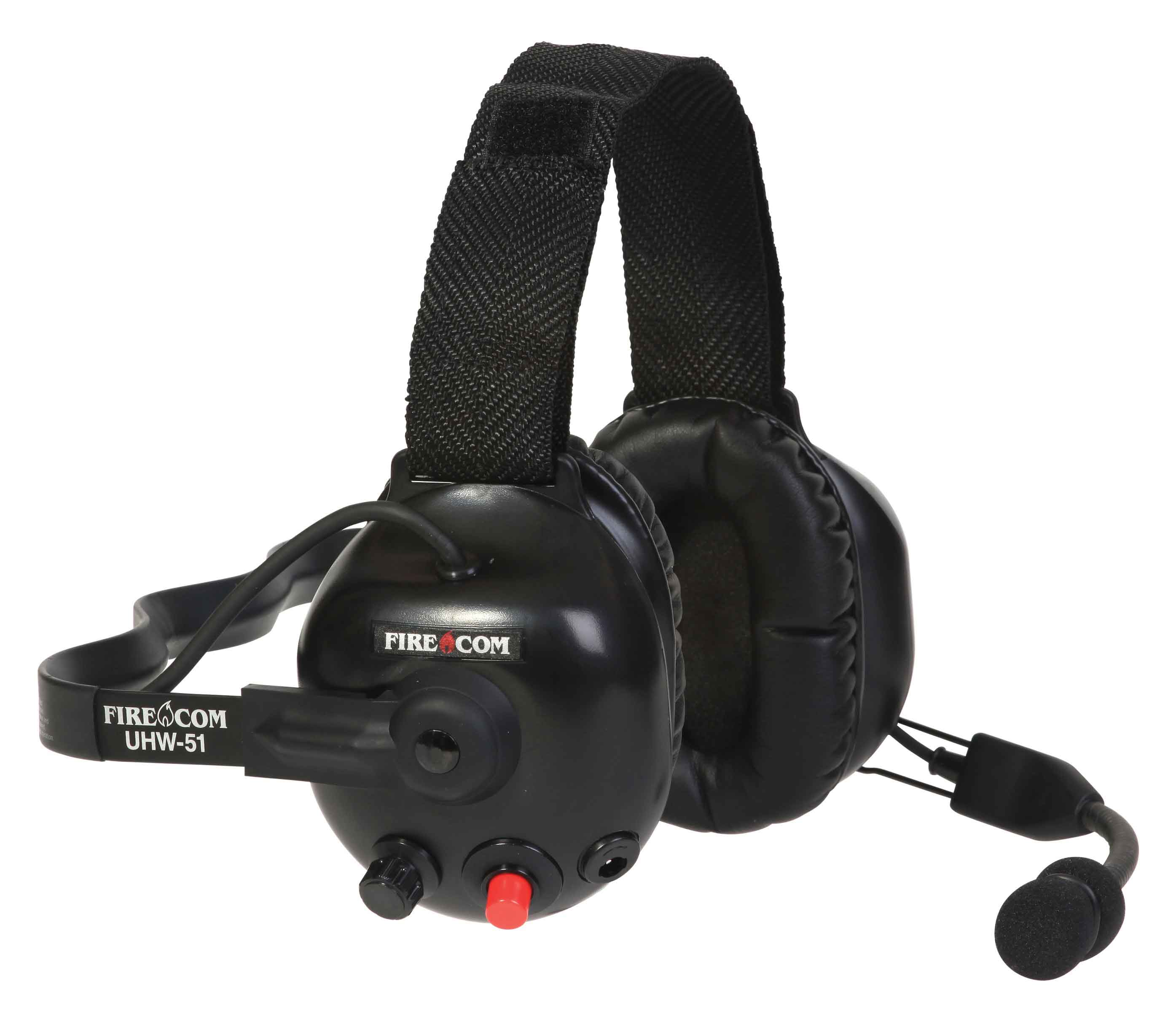
Firecom Wireless UHW-51 Press and hold the PTT button, turn on power to the headset. After approximately 5 seconds, the green and red LEDs on the outside of the left ear dome will start flashing in a relatively fast alternating pattern. Release the PTT button.

Monitor the headset lights. After about 6 seconds, the flashing pattern ends, the green LED will flash for two seconds and then the green and red LEDs will indicate the headset is paired and linked to the base. The LINK LED on the base will illuminate steadily after flashing rapidly for two seconds to indicate that a link to the headset has been established.
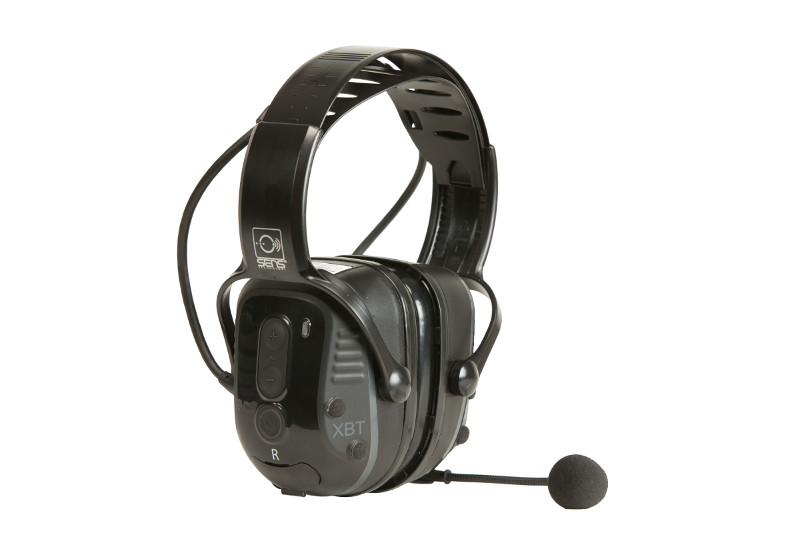
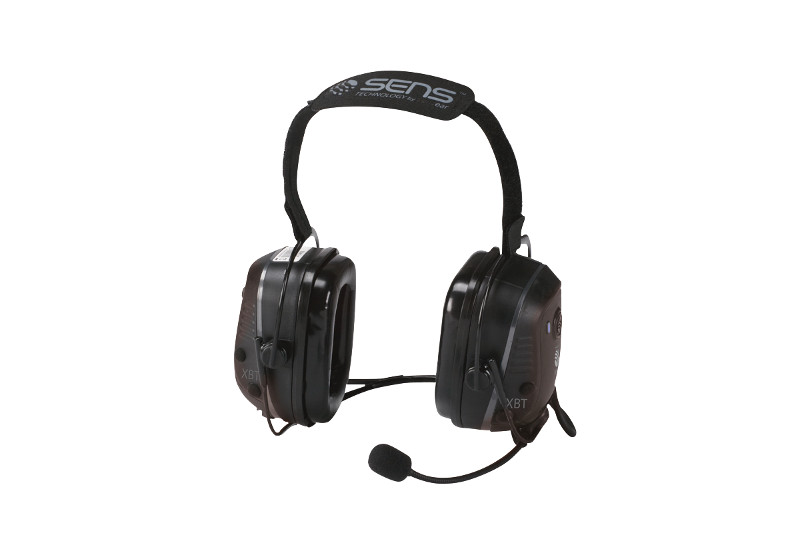
New Motorola XBT Wireless Headsets Feature SENS Technology

Motorola Solutions introduced new wireless Bluetooth headsets using Sensear’s patented SENSWireless Bluetooth Headset with SENS Technology spatial awareness technology that enhances surrounding voices while providing hearing protection. This feature benefits radio users who work in intermittent or continuous high noise industrial environments but need to hear nearby people, alarms, or alerts.

Choice of Behind-the-Neck or Over-the-Head Styles

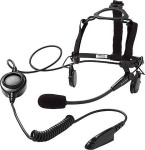
RLN6490 - XBT Behind the Head Operations Critical Wireless Bluetooth headsetThe XBT RLN6490 behind-the neck or RLN6491 headband style are designed for Motorola Operations Critical radios and adapters. Both styles provide about 22 hours of battery life based on normal (5-5-90) operation and can be fully recharged in 7 hours. These heavy-duty headsets are rated IP54 and can be used with a NNTN8127 wireless pod for remote push-to-talk operation. The RLN640 can be used with a hardhat and provides 23dB of hearing protection. The RLN6491 headband style has an even better NRR (noise reduction rating) of 25dB.

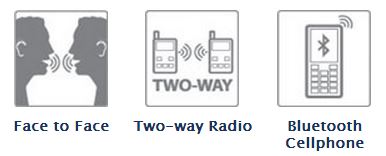
XBT Bluetooth Headset FeaturesXBT Wireless Headsets Use Standard BluetoothXBT Headsets Provide  3 ways to communicate

The SENS technology allows users wearing headsets to hear normal speech clearly when face-to-face with people without headsets. 

The Motorola XBT wireless headsets can be paired with cell phones or any 2-way radio using standard Bluetooth. For MOTOTRBO XPR 6000 series radios, choose the PMLN5712 Bluetooth adapter. XPR 7000 and SL 7000 series radios have factory installed internal Bluetooth and will pair without an adapter. APX radios and XTS 5000 PMLN5792 Mission-Critical Wireless adapters are not compatible because they contain an extra layer of encryption.

Link to the Motorola XBT Wireless Bluetooth Headsets .pdf brochure

Earmuff and Temple Headsets Compared

Radio Headset Comparison in High Noise

Bone Conduction vs.Traditional Earmuff Style in High Noise Areas

Motorola Solutions offers temple headsets for most two-way radio models and they continue to grow in popularity. Temple transducers use bone conduction technology and are more comfortable in hot weather as compared to traditional earmuff headsets.

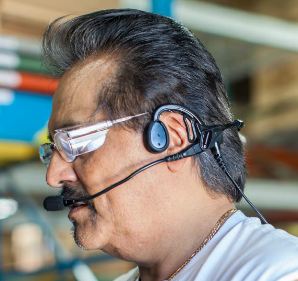
Temple Headset Users TalkingTemple transducers keep the ears uncovered making it easier to communicate with the public. The speaker is muted so radio transmissions cannot be monitored and surrounding voices or other sounds can be heard normally. When used in high noise areas, earplugs can be worn for hearing protection.

Comparison Using MOTOTRBO Analog and Digital RadiosSpring and Associates HDD Driller

Spring & Associates, Inc an HDD (Horizontal Directional Drilling) contractor from Easton, Maryland relies on Motorola MOTOTRBO DMR digital radios on the jobsite.

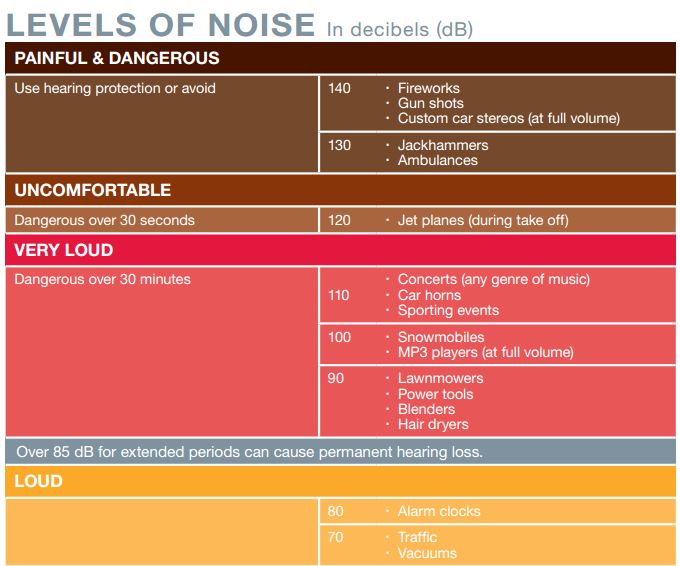
Communications are challenging because noise levels can be 100db and often exceed 130dB close to where the drill operator sits. They compared the Motorola PMLN5275 heavy-duty, dual muff headset and the PMLN5101 temple transducer.

Tests were performed in digital and analog modes using their XPR 6550 UHF two-way radios. Digital mode audio quality was found to be superior to analog. Following are comments by Rodney Spring, President  of Spring and Associates:

Muff Style Preferred in Extreme Noise Approaching 130dBLoud Noise Chart (dB)

In extreme noise, I’m guessing over 130dB, the earmuff headset was slightly preferred over the temple transducer/hearing protection muffs combo by the operator. It seems that when you idle up the drill to full power/full noise the muff headset has ZERO distortion in the receive mode, while the temple transducer has a little.

Temple Headsets Preferred Below 100dB Noise Level

In noise levels under 100dB the temple transducer was preferred because of comfort and during temporary times of low area noise, being able to remove the auxiliary hearing protection, and still be in touch with other radios while having the ability to hear people around him.

Motorola Temple Transducers Provide Discreet Listening

2-Way Radio Headset Keeps Ears Uncovered

Motorola 2-way Radio Temple TransducerTemple transducers are available for most Motorola 2-way radios and are the only audio accessory that keeps your communications discreet without covering your ears. Loud and clear radio transmissions are received using transducers that rest on each temple. The ears are uncovered so you will hear normally when there is no radio traffic. People close by will not hear radio messages keeping your communications private.

Use Temple Transducers in High Noise Environments with Earplugs

Temple transducers can be more comfortable than muff style headsets in hot weather orSpring & Associates Driller when working on loud machinery. Maryland based Spring and Associates performed a comparison on their job site with extreme machinery noise using MOTOTRBO XPR6550  radios. The PMLN5101 temple transducer was preferred except when extreme noise levels approached 130dB.

Choose the Correct Temple Transducer for Your Radio

Motorola offers temple transducers with connectors for most of their radios. The new APX series radios have a direct wire connector and a new boomless model that is compatible with the APX display microphone.

APX 7000, 7000XE, APX 6000, 6000XE, APX 4000 Radio Models

RMN5116 Temple TransducerFor the new APX P25 series, choose the PMLN5101 temple transducer with boom microphone.

The boomless RMN5116 is the correct choice if you use a APX display remote speaker microphone.

XTS 5000, XTS 2500, XTS 1500, PR1500, MT1500 Radio Models

Rugged Temple Transducer

RMN5049

The standard temple transducer with the XTS series connector is the RMN4049. There is also a more rugged version, RMN5049, that includes an adjustable headband keeping it more secure when repelling, jumping, or performing other physical activity. These are also compatible with HT1000, JT1000, MTS2000, MT2000, MTX8000, MTX9000, XTS3000, and XTS3500.

MOTOTRBO XPR 6100, 6350, 6550, 7350, 7550 Radio ModelsMotorola PMLN5101

All Motorola XPR 6000 and 7000 series radios are compatible with the PMLN5101 temple transducer. An oversized PTT and coiled cord is included.

There is no temple transducer available yet for the XPR3300, XPR3500, or SL7550.

Motorola HT750, HT1250, HT1550, PR860 Radio Models

The RMN4048 is the correct temple transducer model if you have a Motorola HT750/1250/1550, PR860, MTX850, MTX8250, MTX950, or MTX9250.

There is a rugged version, RMN5048 with an adjustable headband too. Both have a large PTT body switch.

Motorola EX500, EX560, EX600 Radio Models

The Motorola EX radio compatible temple transducer is the PMLN4585.

Motorola BPR40, CP110, CP185, CP150, CP200, PR400

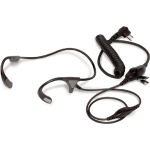
CP200 Temple TransducerChoose the PMLN5003 boomless lightweight temple transducer with in-line microphone and 2 prong connector. Adjustable for use on long shifts. Not suitable for high noise environments.

Also compatible with P1225, CP125, VL130, CT150, CT250, CT450, GP300.

Motorola DTR410, DTR650, VL50

The RMN5114 is the correct choice. Although it uses a similar sized 2 prong connector like the PMLN5003, they will not fit the jack.